
One-sentence summary
Marked Share gives Markdown a permanent, readable home on the web — private drafts, unlisted review links, or public posts with short markedb.in URLs — from Marked 3 or any browser.
The problem
Writers draft in Markdown every day, then stall when they need to share something that looks good. Email attachments, GitHub gists, paste into Google Docs, or spin up a static site. Clients and collaborators shouldn’t need an account to leave highlights on a draft.
Marked Share closes that gap: publish once, send a short link, keep the source Markdown, and let readers annotate without ceremony.
What’s newsworthy
- Powered by Apex — a markdown engine that incorporates all of the features of the various flavors in Marked so that your documents render no matter which processor you use.
- Short links on
markedb.in— including custom slugs and raw.md/ TextPack exports. - Private by default — private, unlisted, or public; unauthorized private docs return 404.
- Reader highlights & notes — reviewers leave passage-linked feedback without managing accounts for every recipient.
- Collections & blog mode — reverse-chronological streams, custom slugs, ATOM feeds, optional
*.markedb.inhosts. - One-click from Marked 3 — File → Publish; TextPack upload with images and Reading Mode highlights.
- Standalone web — no Marked install required; disposable shares without an account; full editor + library in-browser.
- Micro.blog syndication — full post or excerpt via Micropub.
- REST API — same endpoints the Mac app uses, for scripts and automation.
- Free — no subscription required.
Fact sheet
| Product | Marked Share (publishing) + Marked 3 (Mac preview / proofreading / export) |
|---|---|
| Developer | Brett Terpstra |
| Website | share.markedapp.com · markedapp.com |
| Published URLs | markedb.in |
| Platforms | Web (any browser). Companion Mac app: macOS 11+ |
| Price | Marked Share: free. Marked 3: paid Mac app (direct / Setapp / Pro options on site) |
| Availability | Live now |
| Launch write-up | brettterpstra.com — Aug 29, 2026 |
| Docs / API | share.markedapp.com/docs/api |
| Press contact | Brett Terpstra · reply to pitch email · brettterpstra.com |
Suggested story hooks
- Preview → publish: Marked was always the best Markdown preview; Share finishes the workflow with a link you can send.
- Client review without CMS: unlisted docs + reader highlights for editors, clients, and collaborators.
- Obsidian Publish / static-site alternative: free, simpler path when you need a beautiful page, not a full site.
- Indie Mac craft: API-first service from a long-time Mac developer, paired with a deep desktop app.
- Micro.blog + Markdown: one-click syndication for the indie web crowd.
Screenshots
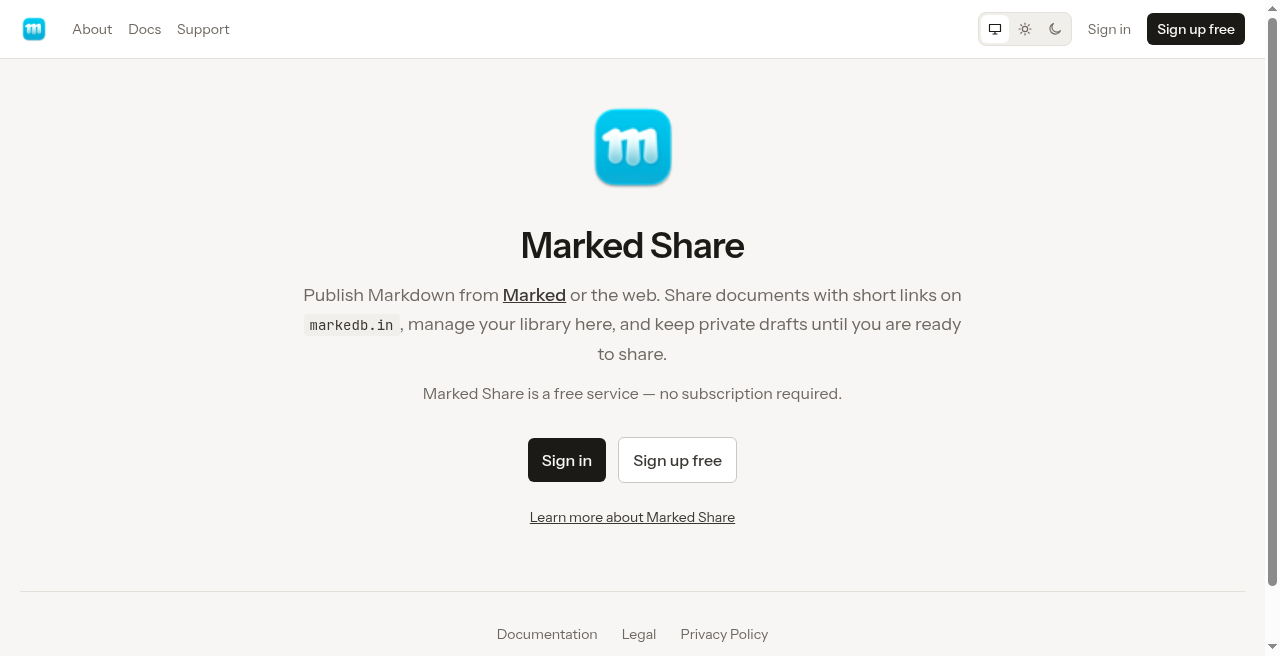
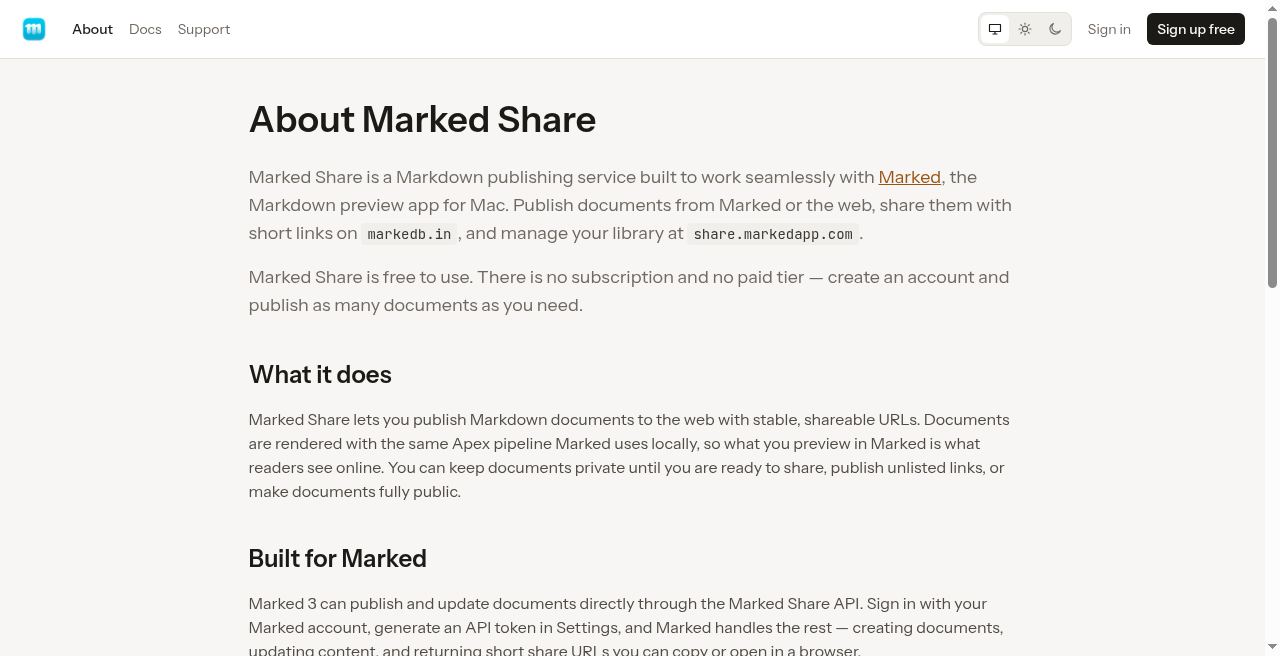
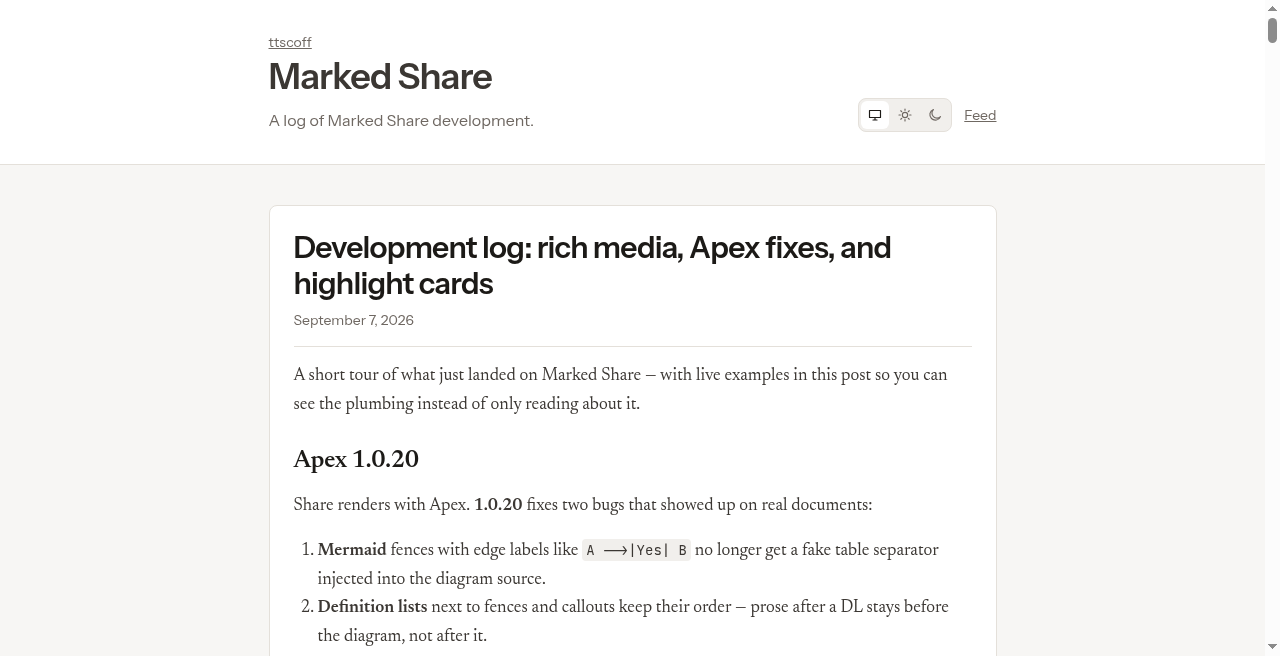
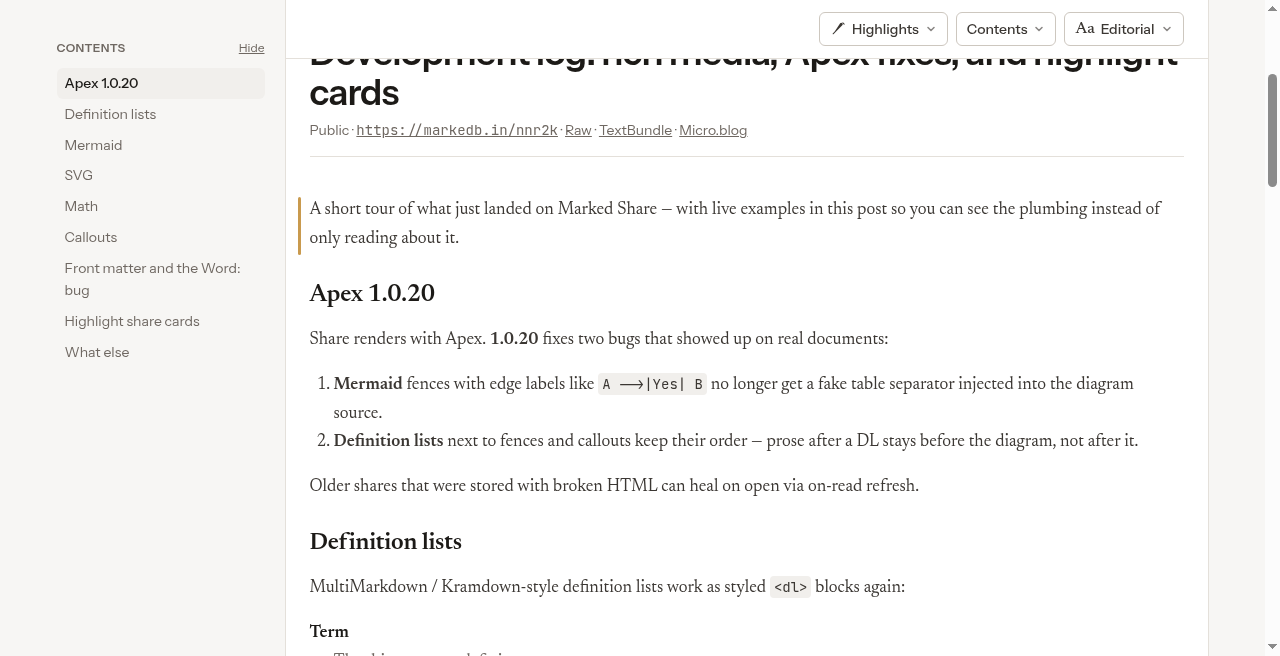
Captured from the live product (Sep 2026). Click through to download full-size PNGs.
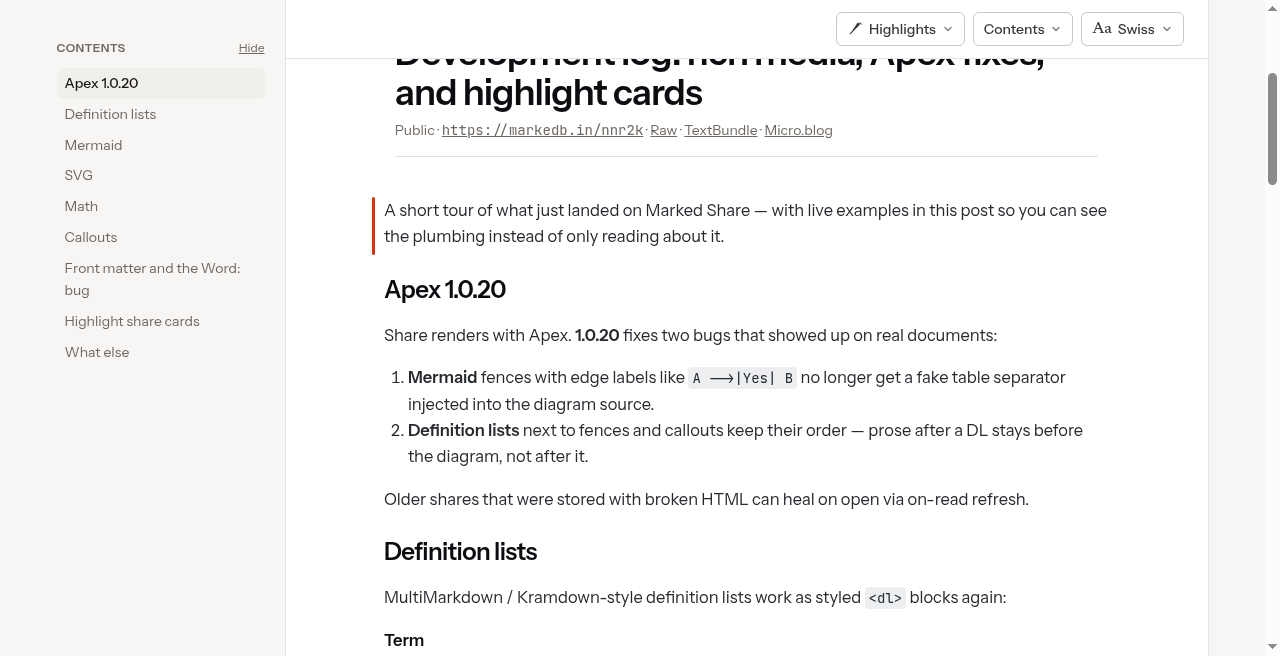
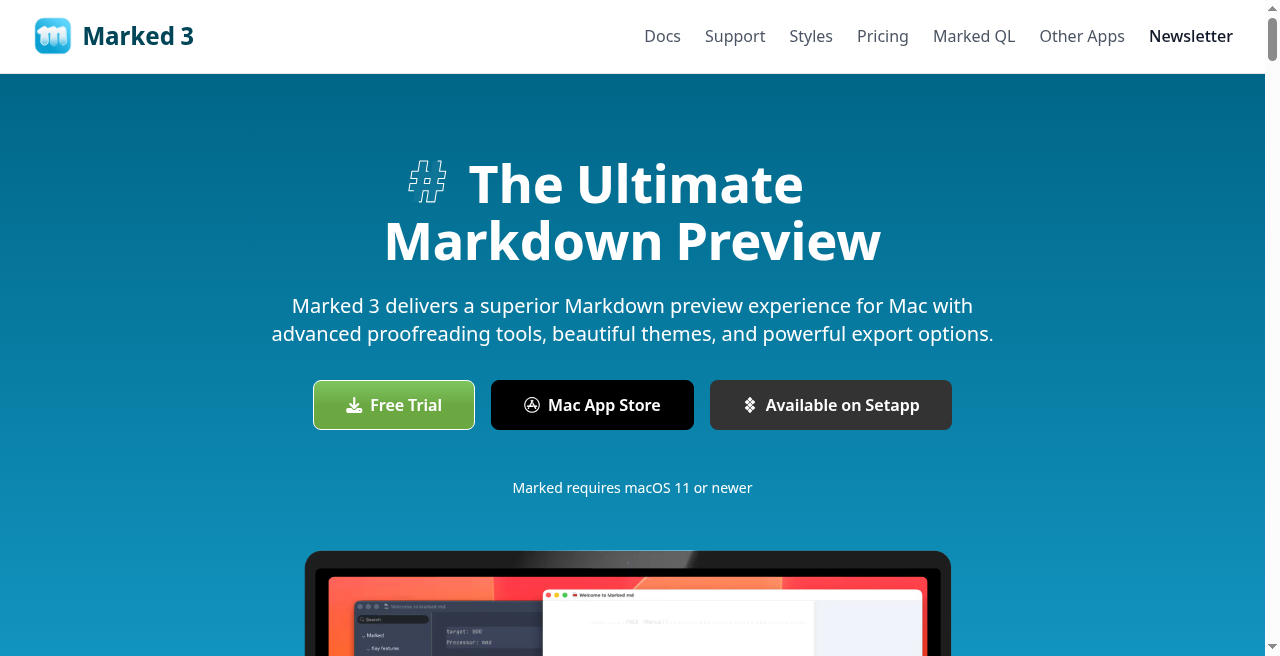
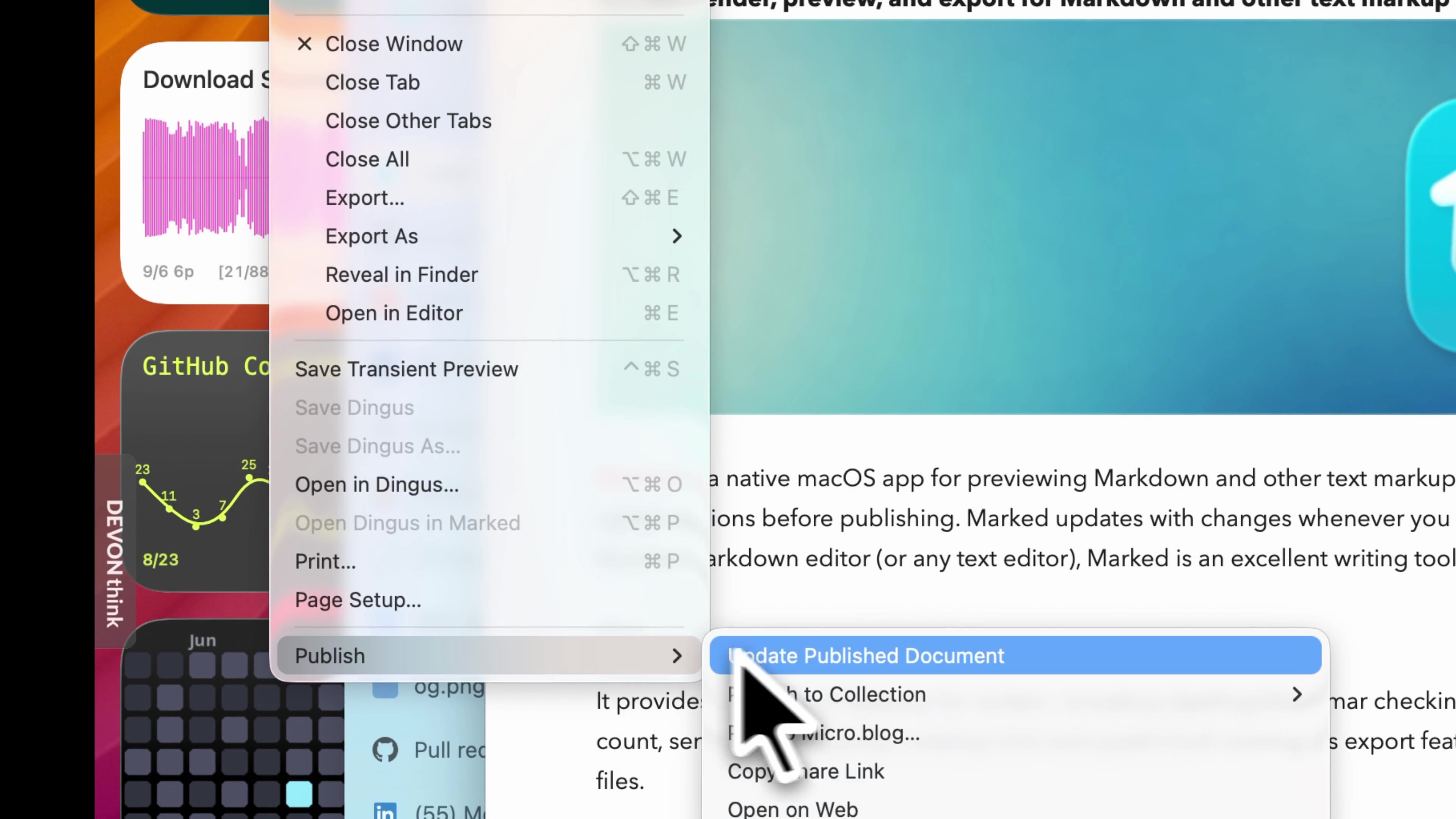
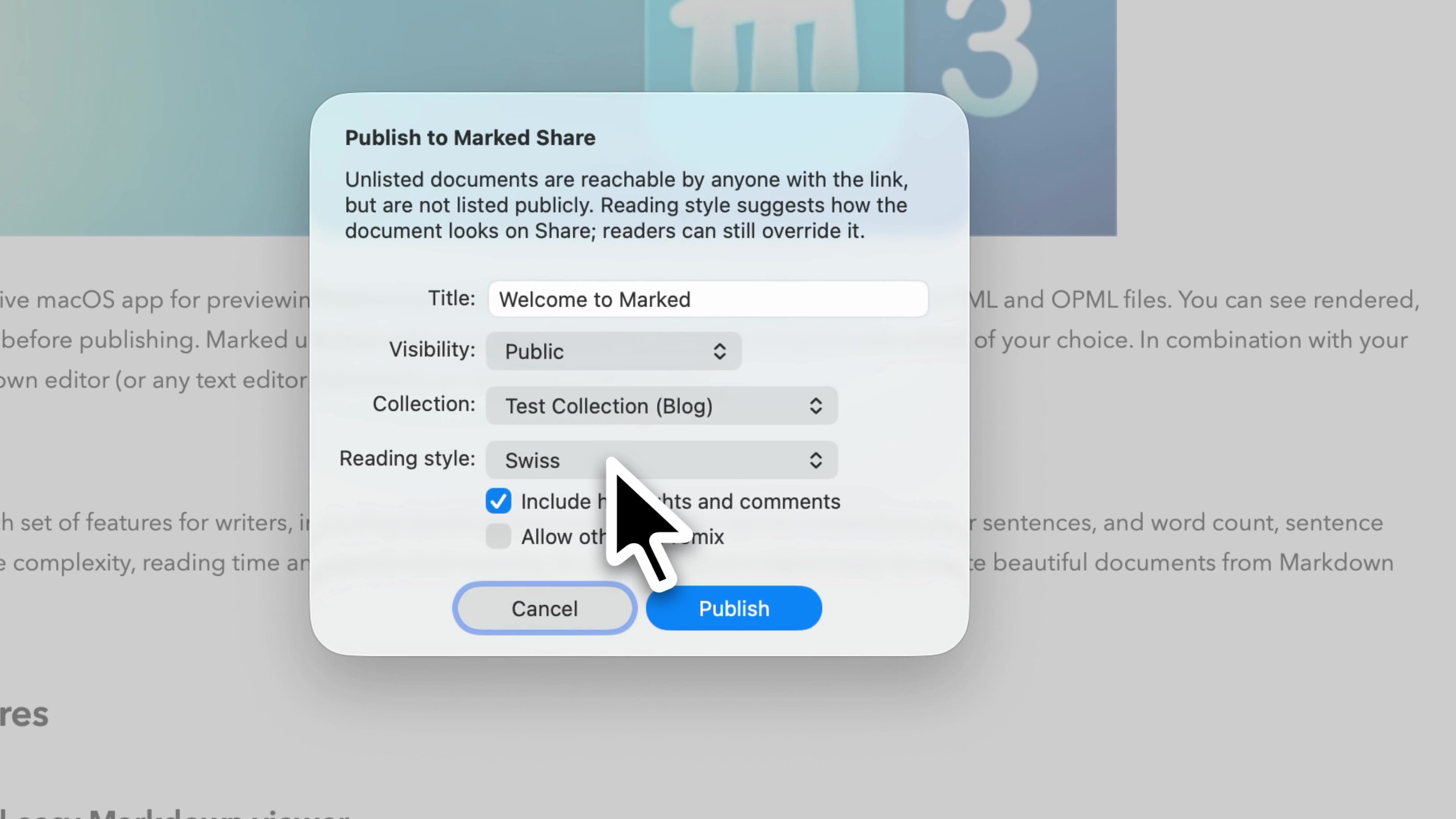
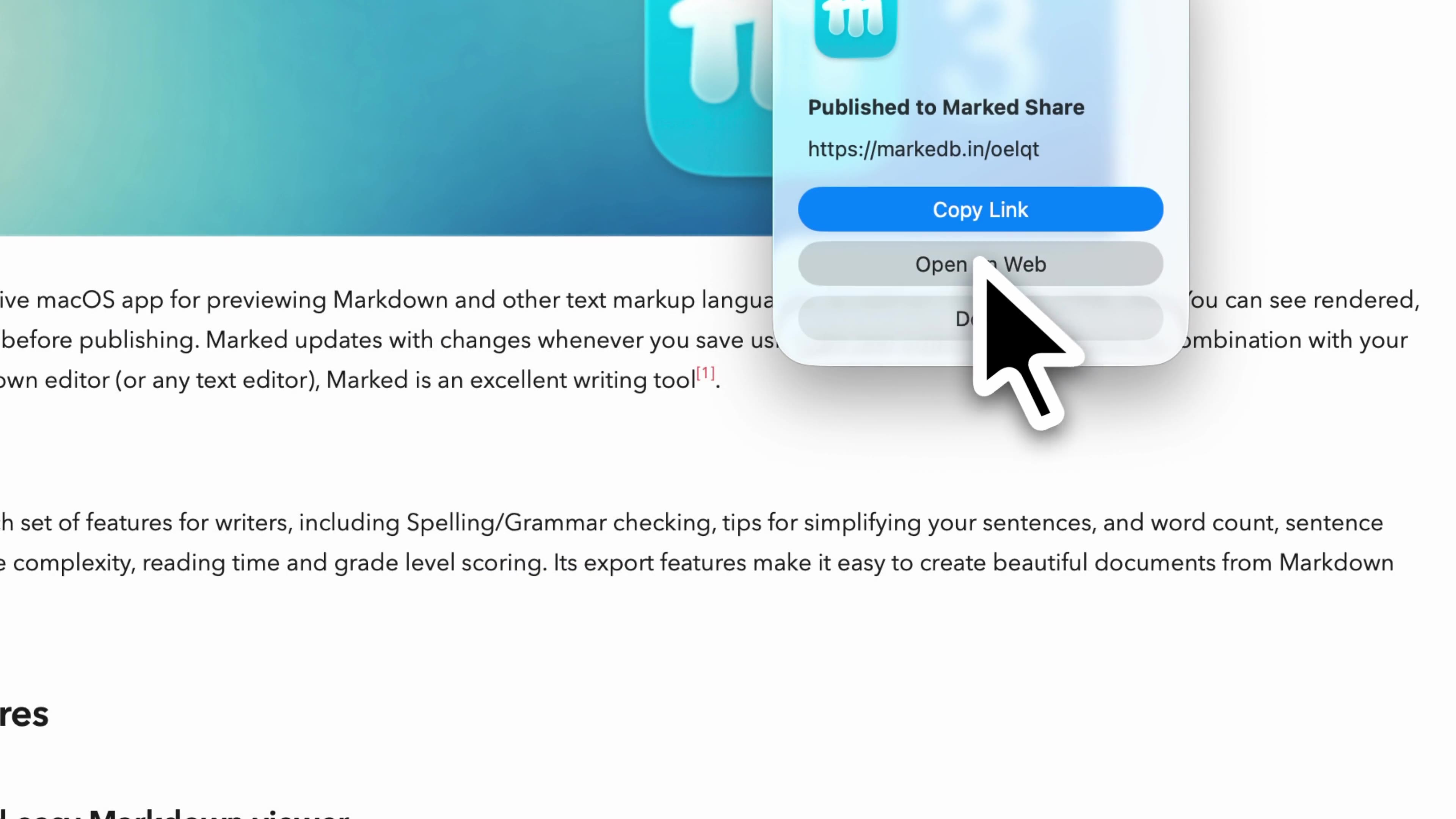
Publish demo (Marked 3)
~17 seconds. File → Publish → configure visibility / collection / reading style → get a markedb.in link → open the live reader (Swiss style, highlights included).
Brand assets
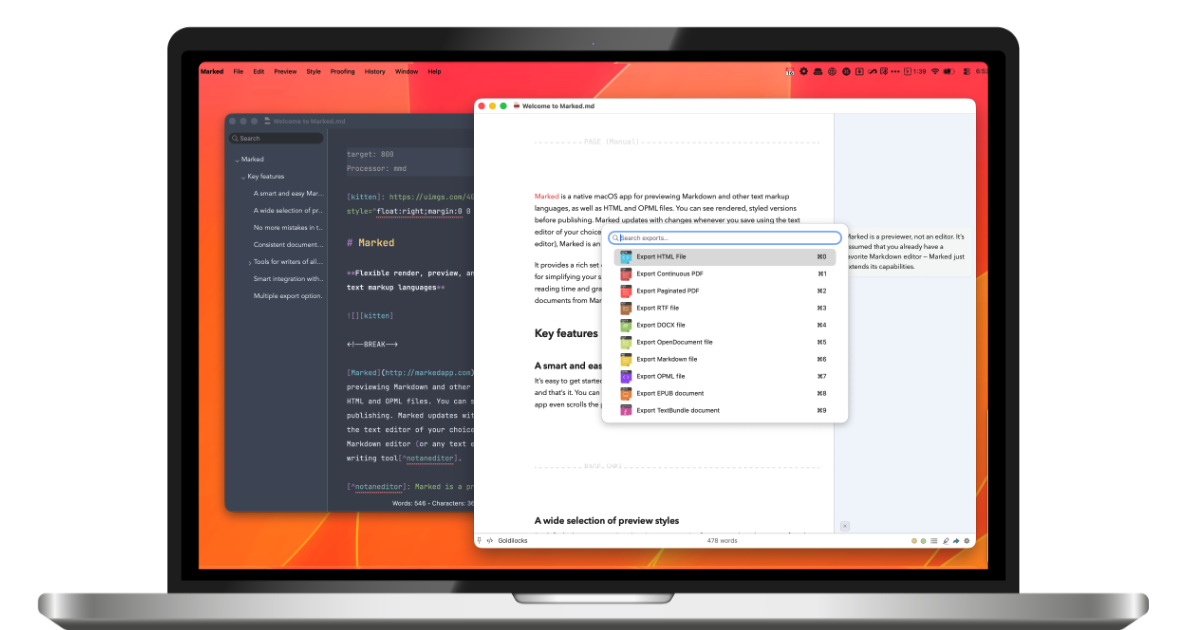
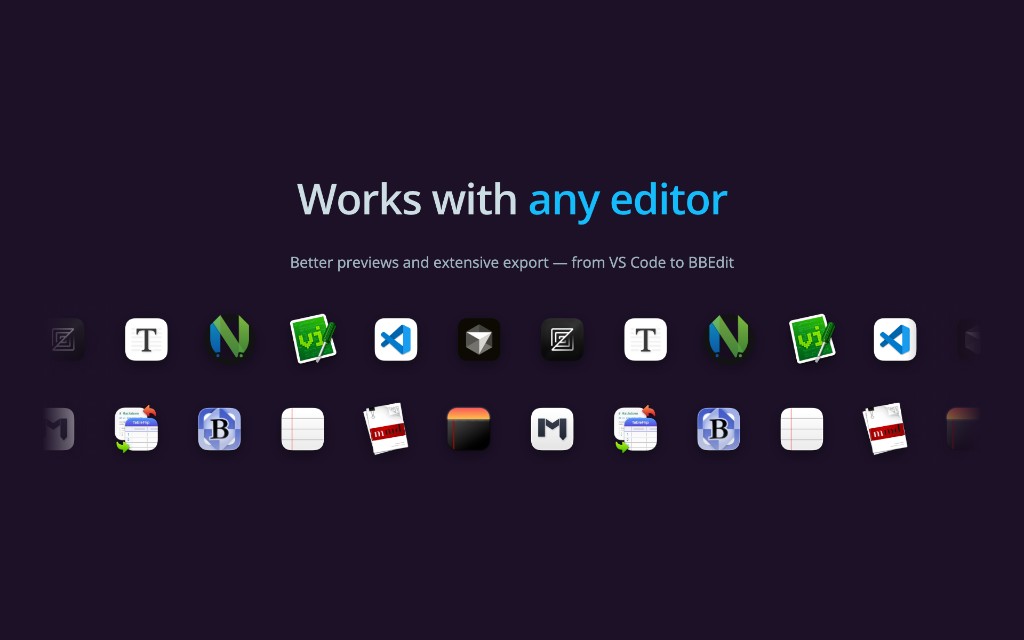
Reviewer access
- Marked Share account: free at share.markedapp.com
- Marked 3 trial: download from markedapp.com
- Review license / promo: ask in reply — Brett will provide
- Sample published docs: ask for a seeded review collection
Boilerplate
Brett Terpstra builds independent Mac software for writers and power users. Marked is a long-running Markdown preview, proofreading, and export app for macOS. Marked Share is its free companion publishing service: write in Markdown, publish a beautiful page, share a short link, and collect reader feedback — with or without the Mac app.